


Registration Is Open!
May Fire School - May 13-17
SAVE THE DATE
October 7-11, 2024
State Fire School
Learn more. Be more.
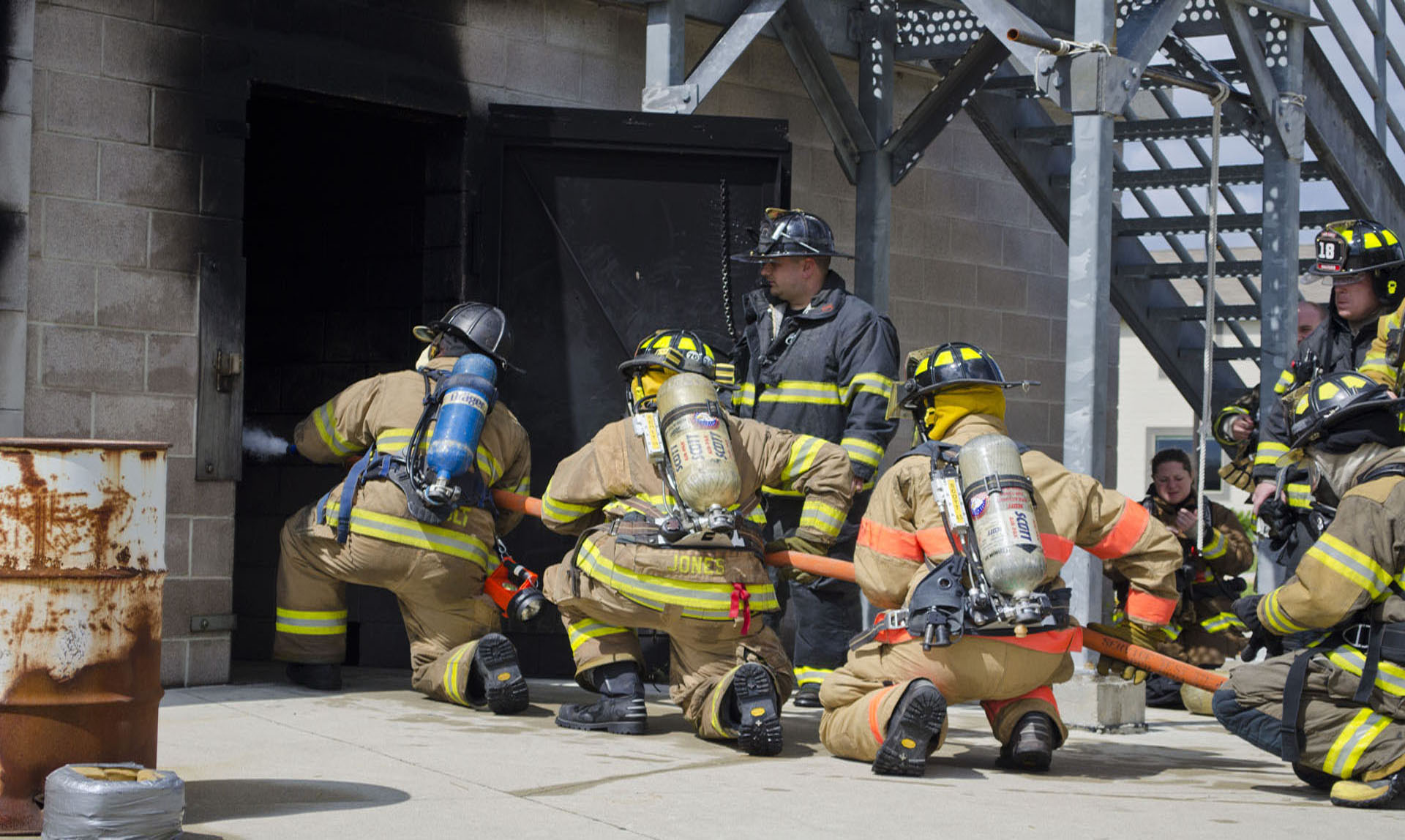
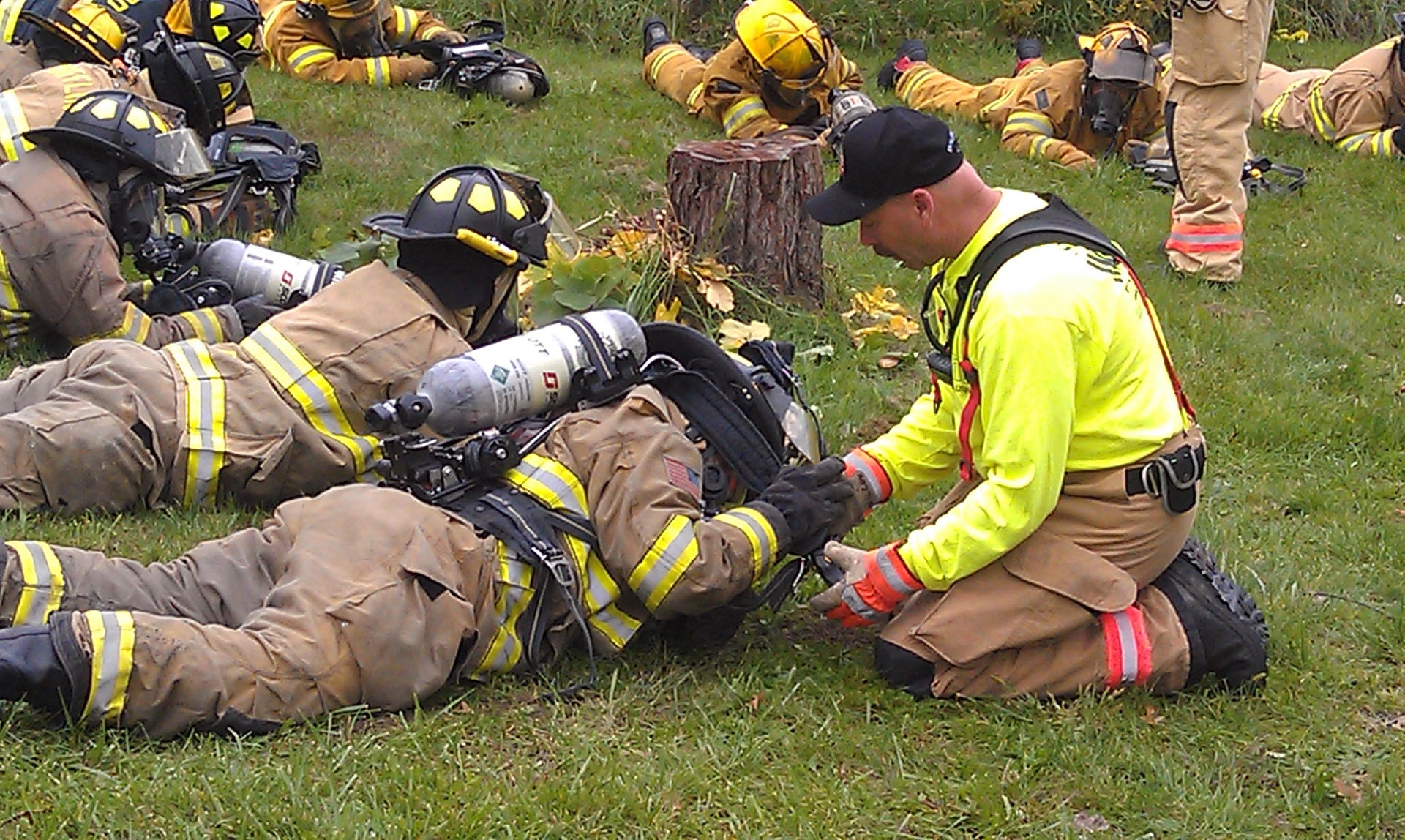
State Fire School helps firefighters and emergency personnel expand their knowledge and expertise. The hands-on training with expert instructors is not limited to fire. BGSU offers classes ranging from leadership and investigation to technical rescue.








Updated: 04/15/2024 02:32PM